
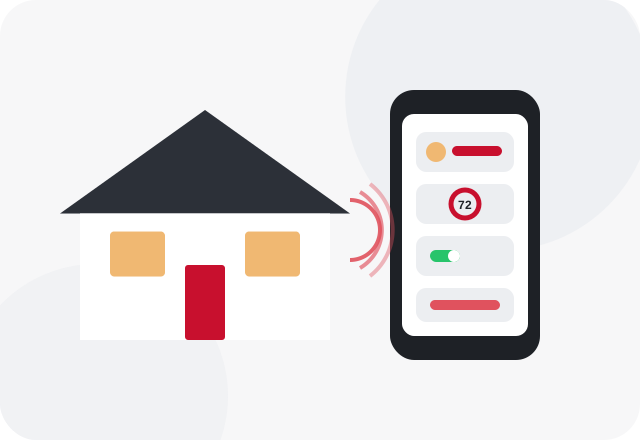
This page is the overview. It explains which devices usually need an electrician, what gets in the way in older houses, and where to look for more detail on lighting control and whole-home wiring.
Which Smart Devices Need Wiring Work
Smart switches and dimmers replace standard wall switches, and most need a neutral wire in the switch box plus enough room for a bulkier device. Wired video doorbells run on the low-voltage doorbell transformer, which is often too weak for a camera and needs upgrading. Smart thermostats typically want a common wire, called a C-wire, from the HVAC system; line-voltage thermostats for electric baseboard heat run on 240 volts and are electrician work. Hardwired cameras and floodlight cameras need an outdoor-rated box and circuit.
Hubs, smart plugs and most bulbs need only an outlet. The deeper topics each have their own page: smart lighting and dimmers and home automation wiring for pre-planned systems.
Projects Where an Electrician Makes Sense
- Replacing several switches with smart switches in an older home
- Installing a video doorbell where the old chime transformer is undersized
- Adding a smart thermostat when there is no C-wire at the equipment
- Mounting a wired floodlight camera where there is no outdoor box
- Swapping a line-voltage thermostat on electric baseboard heat
Hints Your Wiring Will Push Back
- A smart switch's instructions call for a neutral and the box has only two wires
- A new doorbell camera reboots or shows a low power warning
- The thermostat loses power or drains batteries quickly
- Switch boxes are too shallow for the new device
- Smart devices drop offline after storms or brief power blips
Where the Electrician Fits In
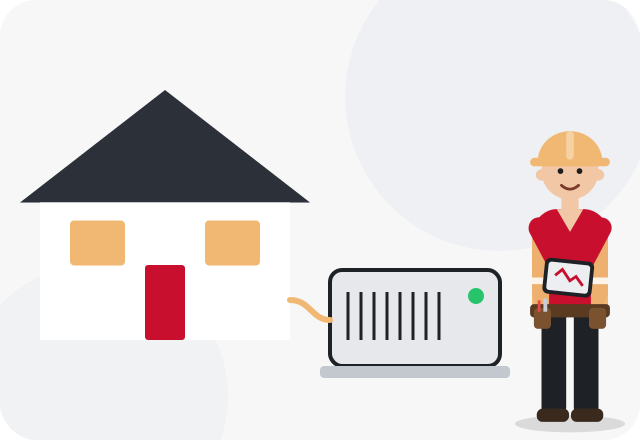
An electrician checks what is in each box before anything is bought, which saves returns. They confirm neutrals, box depth and multi-way switch wiring, size a new doorbell transformer when needed, and run a new circuit or outdoor box for cameras and lights. For thermostats, some C-wire problems are solved at the furnace and are really HVAC work, so the electrician may recommend bringing in a heating and cooling technician for that part.
- Neutral wires and box size at each switch location
- Doorbell transformer voltage and capacity
- Thermostat wiring and whether a C-wire is available
- Outdoor boxes and circuits for cameras
- Wi-Fi reach to the device locations
- Surge protection for sensitive electronics
Safety first. Many smart devices are sold as do-it-yourself projects, but installing one still means working in a live electrical box. If a switch box has no neutral, cloth-wrapped wire, aluminum wire or more wires than the instructions show, stop and have an electrician take over. Never connect a smart switch's neutral lead to the ground wire to make it work.
How it usually works
Call with your device list
Share which smart devices you have or plan to buy, and you'll be connected with a local electrician.
Box-by-box check
The electrician looks at switch boxes, the doorbell transformer and thermostat wiring.
Install and adapt
Devices are installed, and neutrals, transformers or circuits are added where needed.
Power-up and pairing test
Everything is powered and confirmed working before the electrician leaves; app setup stays with you.
For Birmingham-area homes
The spread of housing around Birmingham makes smart home work very different house to house. Newer subdivisions in Chelsea, Calera and Alabaster usually have neutrals in switch boxes and modern doorbell transformers, so upgrades are straightforward. A 1940s bungalow in Homewood or a mid-century ranch in Center Point may have switch loops with no neutral and chimes on a tiny transformer. Frequent lightning across central Alabama is also rough on electronics, which is why surge protection is worth adding alongside a smart setup.
Related electrical problems
Noticing one of these? Each guide explains likely causes and what's safe to check before you call about smart home electrical.