
This page covers the wiring side at a homeowner level. For individual devices, see the smart home electrical overview.
Line Voltage, Low Voltage and Network Cable
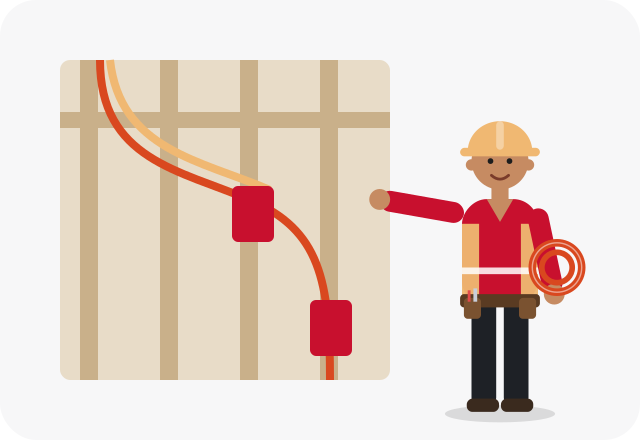
Home automation uses two very different kinds of wiring. Line voltage is the regular 120-volt household power that feeds outlets, lights and any device that plugs in or hardwires, such as a shade motor transformer or a media rack. Low voltage covers network cable, speaker wire, coax, security and sensor wire, and power-over-Ethernet runs for cameras and wireless access points. Code requires the two to be kept separate in boxes and separated or protected along their routes.
Structured wiring brings the low-voltage cables back to one central enclosure, often in a closet or utility area, with a nearby outlet on its own circuit for the modem, router and switches. Empty conduit to key spots leaves room for future upgrades.
The Right Moments to Wire for Automation
- Building a new home or a large addition
- Gutting a kitchen, living room or basement for a remodel
- Planning motorized shades on several windows
- Adding wired security cameras around the exterior
- Replacing weak whole-house Wi-Fi with wired access points
- Setting up a media closet or network rack
Signs Wireless Alone Is Not Cutting It
- Wi-Fi dead zones in upstairs bedrooms or a basement
- Cameras that lose connection or drain batteries fast
- A router, modem and hubs crammed on one power strip
- Plans for shades or keypads with no power near the window or door
Planning and Running the Wire
A good job starts with a room-by-room plan: where TVs, access points, cameras, shades, keypads and the central enclosure will go, and which of those need power, data or both. The electrician handles the line-voltage side, including dedicated circuits and outlets for equipment and power at window heads for shades, and in many cases runs the low-voltage cable too, using low-voltage mounting brackets and keeping those runs apart from power cable. Every cable is labeled at both ends. Some homeowners bring in a separate low-voltage or audio-video installer; the plan should be shared so both sides line up.
- Locations for the central enclosure and equipment circuit
- Separation between low-voltage and power cable
- Power at windows for shade motors or their transformers
- Camera and access point locations for power-over-Ethernet
- Conduit or pull strings for future cable
- Labeling and documentation of every run
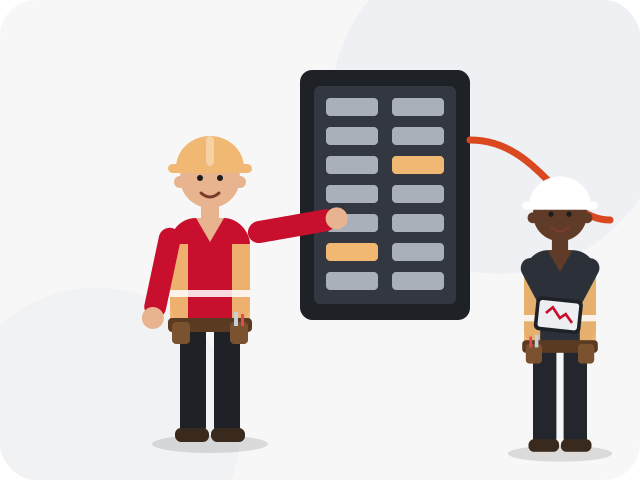
Safety first. Low-voltage cable is not a license to ignore safety. Never run network or speaker cable through the same box as power wiring without an approved divider, never staple it tight against power cable, and do not share holes drilled for line voltage. Attics can reach dangerous temperatures in summer; leave attic runs to professionals with the right precautions.
How it usually works
Call to talk through the project
Describe what you want to control and connect, and you'll be connected with a local electrician.
Room-by-room plan
The electrician maps device locations, cable types and power needs, noting cost factors.
Rough-in and run cable
Circuits, boxes, brackets and cable are installed while walls are open or fished in where they are not.
Terminate and test
Cables are terminated, labeled and tested, and power circuits are verified.
For Birmingham-area homes
Wiring during construction is far easier than fishing cable later, which is why new homes going up around Chelsea, Pelham and Calera are good candidates for structured wiring from the start. In older Birmingham homes, and in hillside houses around Vestavia Hills with several levels, getting cable between floors is the hard part, and plaster walls add work. Attic runs are easier to schedule outside the hottest summer weeks. For bigger remodels, fold the plan into electrical remodeling or new construction wiring so it happens once.
Related electrical problems
Noticing one of these? Each guide explains likely causes and what's safe to check before you call about home automation wiring.