
Which Direction Should a Ceiling Fan Turn in the Summer?
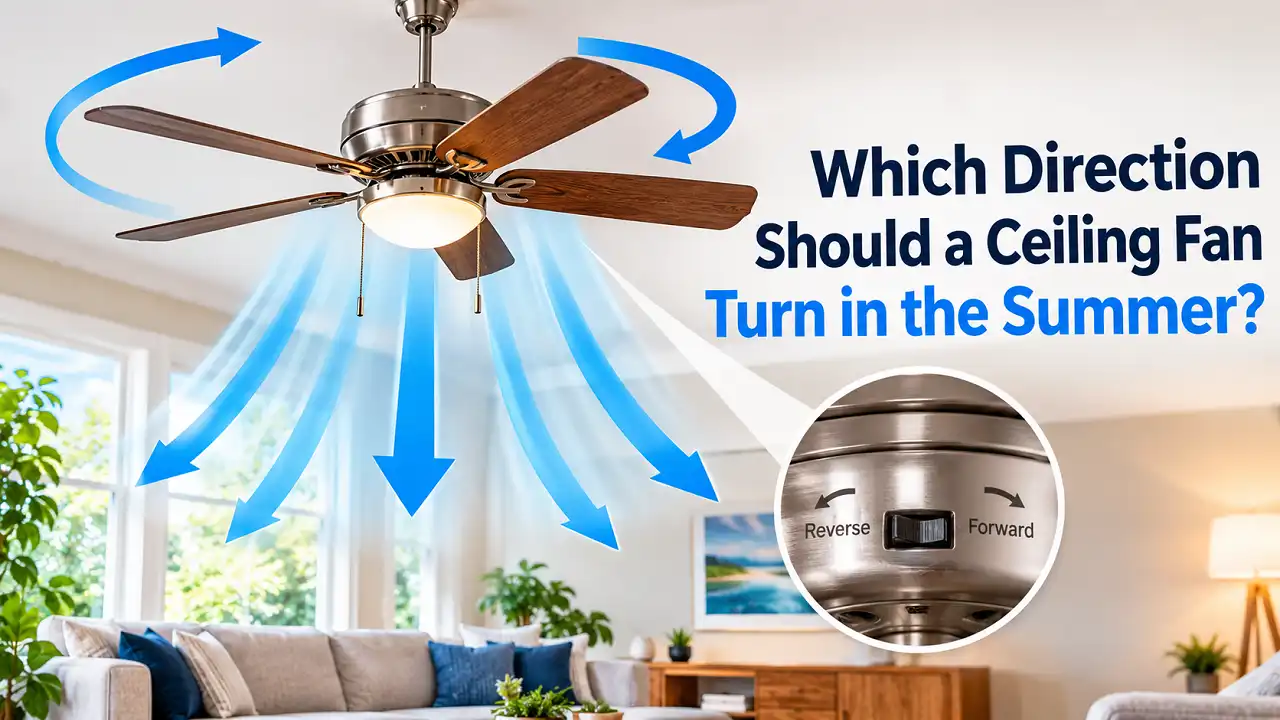
When the AC runs nonstop through an Alabama August, a fan spinning the wrong way adds to the problem. It pulls cooled air up toward the ceiling and leaves you sweating on the couch. The answer to which direction should a ceiling fan turn in the summer is counterclockwise, viewed from below. That setting pushes air straight down and creates a wind-chill effect on your skin. A small switch on the motor housing decides whether your fan helps your air conditioner or works against it. For Birmingham homeowners, the right setting means a lighter cooling load, a higher thermostat setting, and lower power bills.
Key Takeaways
- Set summer fans to counterclockwise at medium-high speed. Stand under the fan: if you feel a steady breeze, it is set correctly.
- Pair the fan with a thermostat raise of about 4°F. The U.S. Department of Energy says this keeps you just as comfortable while your AC runs less.
- Treat wobble, humming, or a dead direction switch as an electrical issue. These often point to a loose mount, the wrong speed control, a failing capacitor, or a box that is not fan-rated.
Counterclockwise Is the Summer Setting
Summer fans should spin counterclockwise. When you look up at the fan, the blades should move right to left. The blade pitch (the tilt of each blade) scoops air and drives it down into the room.
That downward column of air hits the floor and spreads outward. It then rises along the walls and returns to the fan. This loop is the whole point. It keeps cooled air moving where people actually sit, sleep, and work.
| Setting | Direction (Viewed From Below) | Airflow Pattern | Recommended Speed | Best Use |
|---|---|---|---|---|
| Summer | Counterclockwise | Downdraft onto occupants | Medium to High | Cooling, wind-chill effect |
| Winter | Clockwise | Updraft along ceiling and walls | Low | Pushing warm air down gently |
| Spring/Fall | Varies by day | Either pattern | Variable | Matching Alabama’s temperature swings |
The fastest way to confirm your setting is the feel test: turn the fan to high and stand directly underneath.
Check Also: How to Install a Ceiling Fan Without Existing Wiring in AL
How the Wind-Chill Effect Cools You (Not the Room)
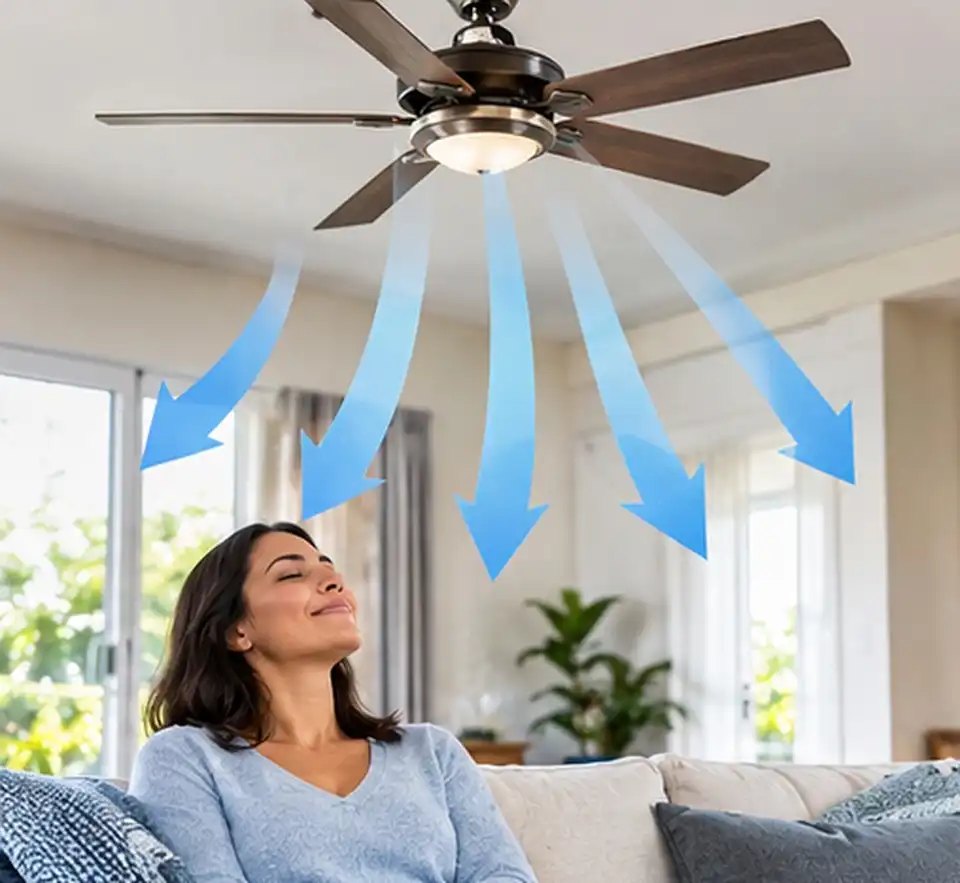
A ceiling fan cools people, not air. It does not lower the room temperature. It speeds up evaporation of moisture from your skin and carries away the thin layer of body heat that surrounds you.
This is why the wind-chill effect feels so strong in summer. Moving air at 78°F can feel like 74°F or cooler when it passes over your skin. Leave the room, and that benefit disappears completely.
- The fan’s motor adds a small amount of heat to the room as it runs.
- An empty room gains nothing from a running fan.
- Turning fans off when you leave is a free energy saving.
If you’ve spent a summer managing cooling loads in Alabama, this system control setup makes complete sense. Add a habit: switch fans off as you leave each room, starting tonight.
How the Right Fan Direction Reduces Your AC Load
The correct direction lets you raise the thermostat without losing comfort. According to the U.S. Department of Energy, using a ceiling fan with air conditioning allows a thermostat increase of about 4°F. That translates directly into shorter compressor run times.
Knowing which direction should a ceiling fan turn in the summer matters because the electrical load gap is huge. A ceiling fan draws a fraction of the power a central AC system uses. Every hour your compressor stays off saves far more than the fan costs to run.
Electrical Load: Ceiling Fan vs. Central AC
| Equipment | Typical Running Wattage | Estimated Cost per Hour* | Role in Summer Comfort |
|---|---|---|---|
| DC motor ceiling fan (52″) | 15 to 35 W | Under 1 cent | Air movement, wind chill |
| AC motor ceiling fan (52″) | 50 to 75 W | About 1 cent | Air movement, wind chill |
| Central AC, 3-ton | 3,000 to 3,800 W | About 45 to 57 cents | Removes heat and humidity |
| Central AC, 4-ton | 4,000 to 5,000 W | About 60 to 75 cents | Removes heat and humidity |
*Estimates use roughly 15 cents per kWh. Your actual rate and equipment efficiency will vary.
Thermostat Savings With a Fan Running
| Scenario | Thermostat Setting | Fan Use | Felt Comfort | Estimated Cooling Savings** |
|---|---|---|---|---|
| Baseline | 74°F | Off | Comfortable | 0% |
| Fan + small raise | 76°F | Counterclockwise, medium | Comfortable | About 6% |
| Fan + DOE-guided raise | 78°F | Counterclockwise, high | Comfortable | About 12% |
| Wrong direction | 78°F | Clockwise, high | Warm, stuffy | Savings lost to discomfort |
**Based on the common industry estimate of roughly 3% savings per degree of thermostat increase in cooling season.
An Alabama-Specific Warning About Humidity
Fans do not remove moisture. Only your AC does that. Our government-certified Birmingham electricians frequently see this in older local homes: owners push the thermostat too high, the AC barely runs, and indoor humidity climbs past comfortable levels.
- Keep indoor humidity near 50% or lower during Alabama summers.
- Raise the thermostat in steps of 1 to 2 degrees and watch for a clammy feel.
- Add a hygrometer (an inexpensive humidity gauge) near your thermostat.
Start with a 2-degree raise this week, then adjust based on what your hygrometer reads.
Check Also: Installing Ground Fault Circuit Interrupter Outlets Safely
Ceiling Fan Controls and HVAC Wiring: What Connects to What
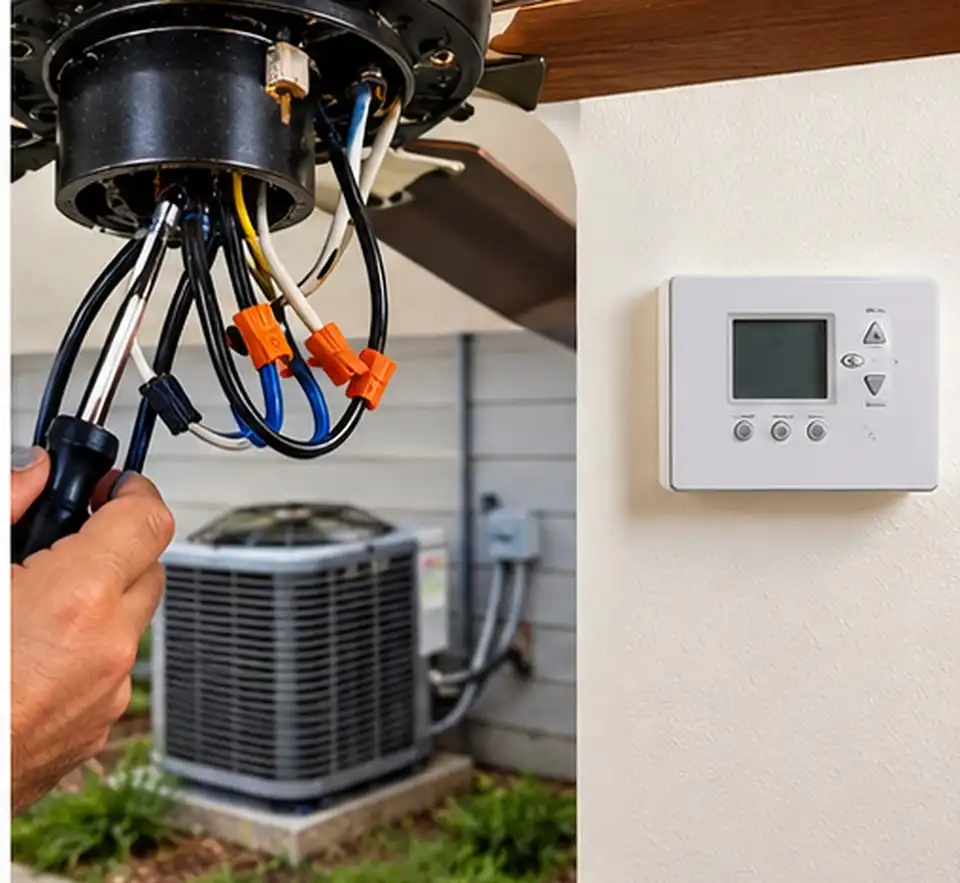
Ceiling fans run on 120-volt line power, separate from your HVAC controls. Your thermostat typically operates on 24-volt low-voltage control wiring. The two systems do not share a circuit, and they should never be wired together.
We get asked about “interlocking” fans with the AC. A homeowner should never splice a fan into thermostat wiring. Smart home platforms can link a fan and a thermostat through app-based automation, which is the safe way to coordinate them.
Voltage & Control Wiring Comparison
| Control Type | Voltage | How Direction Changes | Wiring Notes |
|---|---|---|---|
| Pull chain + housing switch | 120 V | Slide switch on motor housing | Simplest setup; one switched hot often enough |
| Wall fan speed control | 120 V | Housing switch | Must be rated for fan motors, never a light dimmer |
| Handheld remote + receiver | 120 V to receiver | Remote button | Receiver sits in the canopy; adds heat and clutter |
| DC motor fan with remote | 120 V in, DC to motor | Remote button only | Often no housing switch at all |
| Smart/Wi-Fi fan or switch | 120 V | App, voice, or wall keypad | Most require a neutral wire in the switch box |
| Thermostat (for comparison) | 24 V | Not applicable | Low-voltage HVAC control; keep separate |
Separate fan and light control usually requires a 3-wire cable (two switched hots plus neutral and ground) between switch and ceiling. Many older homes in Homewood and Mountain Brook only have a 2-wire run. A remote receiver or smart fan can solve that without opening walls.
Before you buy a smart fan, open your switch box with the breaker off and check for a white neutral bundle.
Blade Pitch, Span, and Efficiency: Choosing a Fan That Moves Air
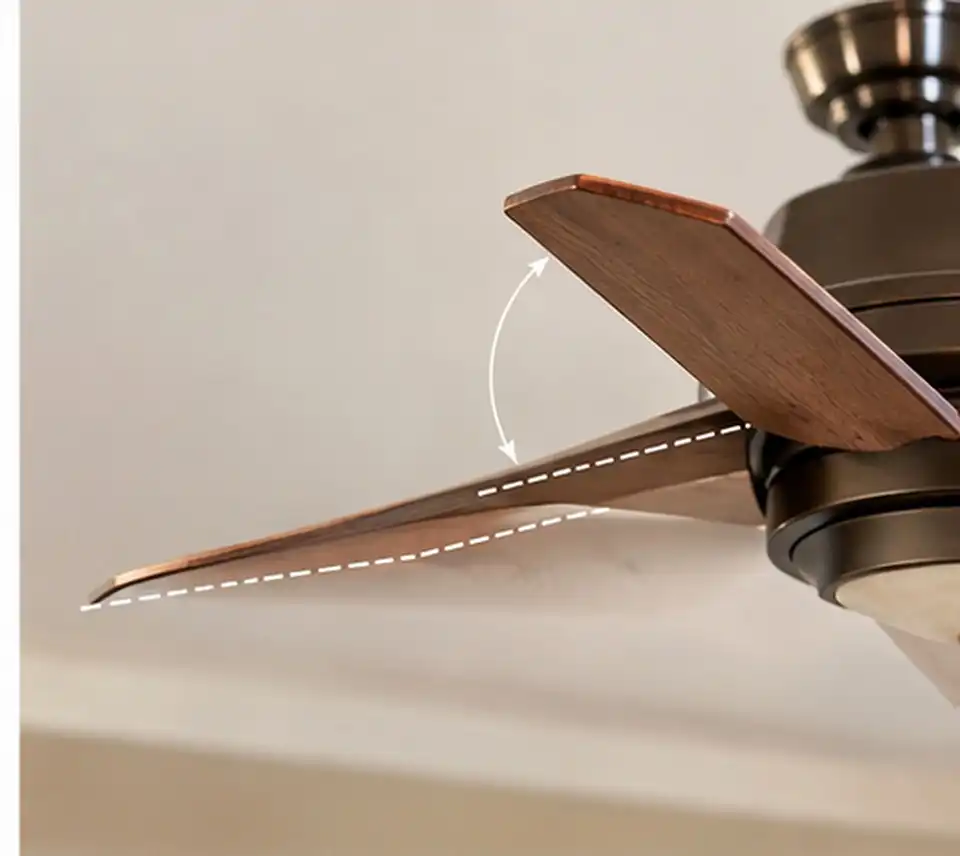
A fan’s design sets the ceiling on how much cooling you feel. Three numbers matter most: blade pitch, blade span, and CFM per watt. Getting these right matters as much as knowing which direction should a ceiling fan turn in the summer.
Blade Pitch
Blade pitch is the angle of the blade relative to the motor. The sweet spot is 12 to 14 degrees. Lower angles slice through air without moving much of it. Steeper angles create drag that can overwork and overheat a weak motor. Cheap fans often use shallow pitch to hide an underpowered motor.
Blade Span by Room Size
| Room Size (Sq. Ft.) | Example Room | Recommended Blade Span |
|---|---|---|
| Up to 75 | Walk-in closet, laundry | 29 to 36 inches |
| 76 to 144 | Small bedroom, office | 36 to 42 inches |
| 144 to 225 | Primary bedroom, kitchen | 44 to 50 inches |
| 225 to 400 | Living room, bonus room | 50 to 54 inches |
| Over 400 | Open floor plan, great room | 56 inches or larger, or two fans |
CFM and Efficiency Ratings
Airflow and efficiency are two different numbers. CFM (cubic feet per minute) measures how much air the fan moves. CFM per watt measures how much air you get for each watt of electricity. A fan can move a lot of air and still be inefficient.
| Fan Category | Typical Airflow on High (CFM) | Typical Efficiency (CFM/W) | Our Field Assessment |
|---|---|---|---|
| Budget AC motor, 42″ | 2,500 to 3,500 | 50 to 75 | Weak breeze in mid-size rooms |
| Standard AC motor, 52″ | 4,000 to 5,500 | 75 to 100 | Solid for bedrooms |
| ENERGY STAR AC motor, 52″ | 4,500 to 6,000 | 100 to 150 | Good value upgrade |
| DC motor, 52″ to 60″ | 5,000 to 7,500 | 150 to 300+ | Quietest, most efficient |
| Large-diameter, 60″+ | 7,000 to 10,000+ | Varies widely | Best for great rooms, porches |
ENERGY STAR certified fans and DC motor fans consistently deliver the best efficiency we see on job sites. Check the EnergyGuide label on the box and compare CFM per watt, not just CFM.
How to Change Ceiling Fan Direction: Step by Step
Changing direction takes about two minutes on most fans. The method depends on whether your fan has a housing switch, a remote, or a smart app. Whatever your model, the answer to which direction should a ceiling fan turn in the summer stays the same: counterclockwise.
Fans With a Housing Switch
- Turn the fan off at the wall or pull chain.
- Wait for the blades to stop completely. Flipping the switch while the motor spins can damage it.
- Set up a sturdy step ladder on a level floor.
- Locate the slide switch on the motor housing, usually just above or below the blades.
- Slide the switch to the opposite position.
- Turn the fan on high and stand underneath.
- Confirm a downward breeze for summer.
Fans With a Remote or Smart Control
- Find the reverse button on the remote (often an arrow icon).
- Press it once with the fan running at low speed.
- Watch the blades slow, stop, and reverse.
- Check your app if the fan uses Wi-Fi control; direction is usually under fan settings.
- Read your manual if nothing happens, since some brands use a light-switch-and-button sequence.
Safety Checklist Before You Climb
- Use a ladder rated for your weight, not a chair.
- Keep the fan powered off until the switch is flipped.
- Clean the blades while you are up there; dust adds weight and causes wobble.
- Look for loose canopy screws or a sagging mount.
- Stop and call a pro if you smell burning or see scorched wires.
Put the direction change on your calendar for mid-April and mid-October, when Birmingham temperatures usually flip.
Ceiling Fan Wiring and Electrical Safety: What the Code Requires
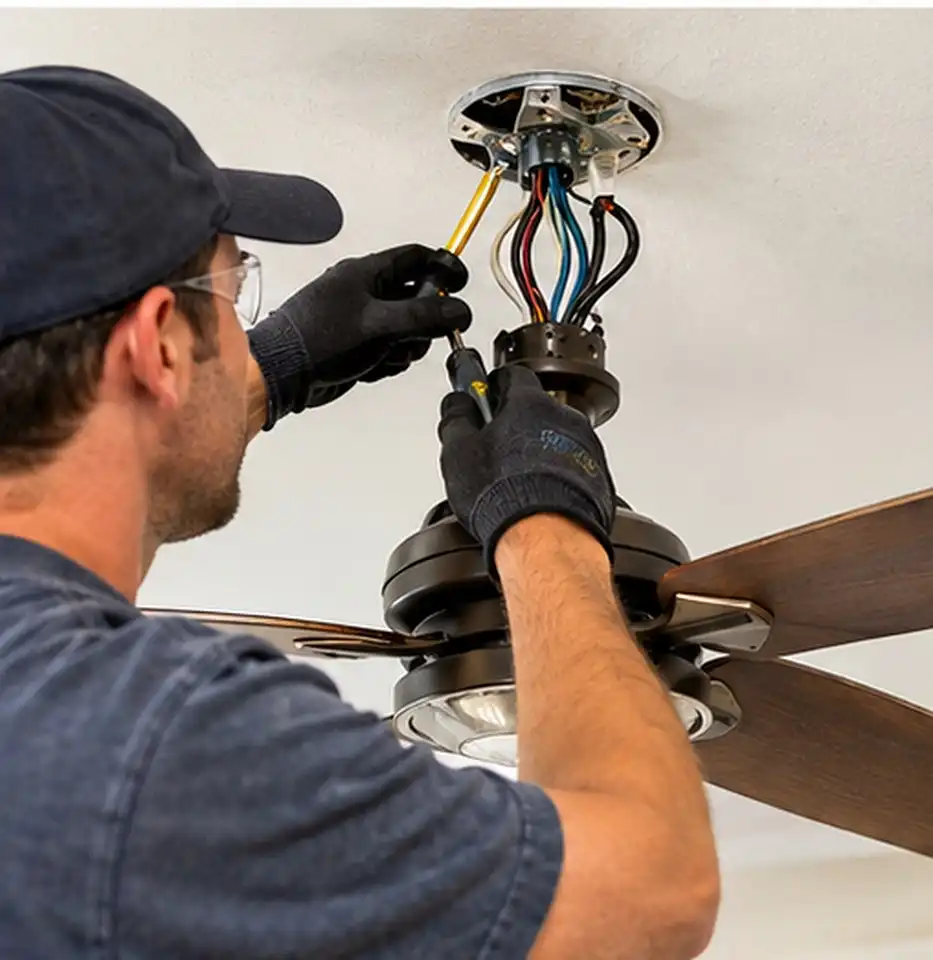
A ceiling fan is a spinning, vibrating load hanging over your head. The National Electrical Code (NEC), also known as NFPA 70, sets strict rules for how fans are supported and wired. The National Fire Protection Association publishes the NEC and tracks which edition each state and city enforces.
At Bob’s Electrical Services, we operate as a Government Certified, fully licensed Alabama contractor. Every fan we hang is installed to code. We have pulled plenty of fans off plastic light boxes that were never meant to hold them.
Key Code and Installation Requirements
| Requirement | What It Means | Why It Matters |
|---|---|---|
| Fan-rated outlet box (NEC 314.27(C)) | Box must be listed and marked for fan support | Standard light boxes can crack or pull loose |
| Weight limit marking | Fans over 35 lbs need a box marked with the supported weight | Prevents overload on heavy designer fans |
| Independent support (NEC 422.18) | Fan must be supported by a listed box or separate support | A falling fan is a serious injury hazard |
| Blade height | Blades at least 7 feet from the floor; 7 to 9 feet is ideal | Protects people and improves airflow |
| Ceiling clearance | Blades 10 to 12 inches below the ceiling | Gives the fan room to draw air |
| Bathtub/shower zone (NEC 410.10(D)) | No paddle fan within 3 ft horizontally and 8 ft vertically of the tub rim | Reduces shock and contact risk |
| Damp or wet rating | Covered porches need damp-rated; exposed areas need wet-rated | Alabama humidity destroys indoor-only motors |
| AFCI protection (NEC 210.12) | Arc-fault protection for most living-area circuits | Catches dangerous arcing in fan wiring |
Red Flags We Find on Service Calls
- Plastic or pancake boxes holding a full-size fan
- Light dimmers controlling fan speed, which causes motor hum and overheating
- Loose wire nuts inside the canopy from years of vibration
- Indoor fans on screened porches with rusted hardware and corroded connections
- Missing ground connections in older Vestavia Hills and Homewood homes
If your fan was hung on an existing light box, have a licensed electrician confirm the box rating before summer.
Troubleshooting Checklist: Wobble, Hum, and Direction Switch Problems
Most fan problems announce themselves early. A wobble, a hum, or a switch that does nothing usually has a clear cause. On recent service calls in Vestavia Hills and Hoover, we traced most complaints to five or six repeat issues.
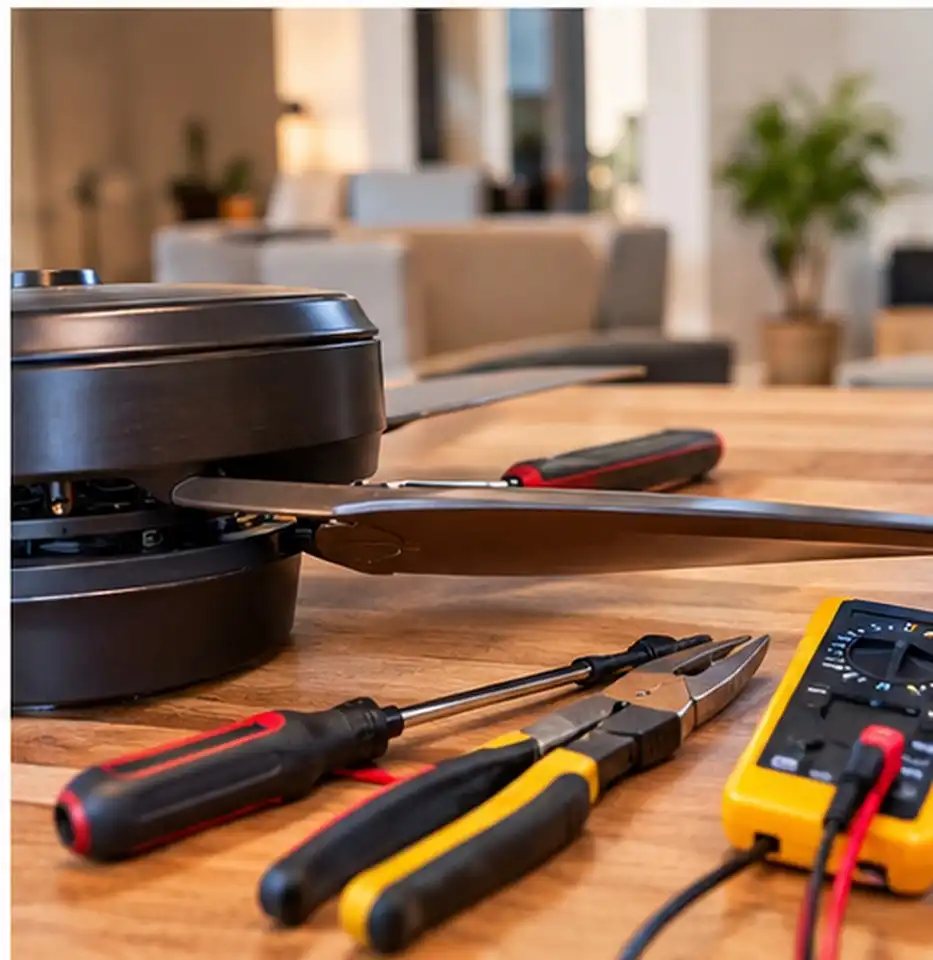
Fan Wobbles
- Tighten the blade screws on each blade holder.
- Check the mounting bracket and canopy screws.
- Measure blade tips to the ceiling; uneven readings point to a bent blade holder.
- Use the balancing kit that came with the fan.
- Inspect the box rating. If the box flexes, stop using the fan.
Fan Hums or Buzzes
- Check the wall control. A standard dimmer will make an AC motor hum.
- Replace it with a fan-rated speed control or a remote system.
- Tighten canopy and light kit screws that may be vibrating.
- Listen at each speed. Humming on one speed only often signals a failing capacitor.
Direction Switch Not Working
If your fan will not reverse, you cannot use what you know about which direction should a ceiling fan turn in the summer. Work through these steps:
- Confirm the blades were fully stopped when you flipped the switch.
- Slide the switch firmly to its end position; many stick halfway.
- Replace remote batteries and re-pair the remote to the receiver.
- Check receiver DIP switches (small code switches) against the remote.
- Test the reversing switch for continuity; worn contacts are common after 10+ years.
- Inspect the capacitor; a bulged or burnt capacitor affects speed and direction.
Other Warning Signs
- Burning smell or scorch marks: turn off the breaker immediately.
- Breaker trips when the fan starts: possible shorted motor or wiring fault.
- Fan runs very slowly on high: classic capacitor failure.
- Lights flicker with the fan: loose connection in the canopy or switch box.
Any sign that involves heat, smell, or a tripping breaker calls for our expert electrical services, not another DIY attempt.
Repair vs. Upgrade: Making the Right Call

Some fans deserve a fix, and some deserve retirement. Age, motor type, and mounting safety decide which path makes sense. A cheap fan on a bad box is a hazard, not a bargain.
| Problem | Typical Repair | Relative Cost | When to Upgrade Instead | Expected Lifespan After Fix |
|---|---|---|---|---|
| Wobble | Balance blades, tighten bracket | Low | Box is not fan-rated or blades are warped | Many years |
| Humming | Swap dimmer for fan-rated control | Low | Motor hums on every control | 5+ years |
| Slow speed | Replace capacitor | Low to moderate | Fan is 15+ years old | 3 to 7 years |
| Dead direction switch | Replace reversing switch | Low to moderate | Parts discontinued | 5+ years |
| Remote failure | New receiver kit | Moderate | Upgrading to DC or smart fan anyway | 5 to 10 years |
| Burnt motor | Rarely worth repairing | High | Almost always | Replace |
| Wrong box | Install fan-rated brace box | Moderate | Required regardless | Permanent fix |
| Porch corrosion | Clean, rewire connections | Moderate | Fan is not damp/wet rated | Replace with rated unit |
Pros and Cons of Upgrading to a DC Motor Fan
Pros:
- Uses up to 70% less energy than comparable AC motor fans
- Runs nearly silent at every speed
- Offers more speed settings, often six or more
- Changes direction by remote, no ladder needed
Cons:
- Higher upfront cost than basic AC fans
- Repair parts are brand-specific
- Usually requires a remote or app to operate
If your fan is older than 15 years and has two or more issues on this list, price out an ENERGY STAR or DC replacement.
Winter Direction: Clockwise on Low
Winter fans should spin clockwise at low speed. This creates a gentle updraft that pushes warm air pooled at the ceiling down along the walls. You get warmth without a chilly breeze.
Fan manufacturers claim this habit can trim heating bills by up to 15%. That number depends on ceiling height and heating type. Rooms with vaulted ceilings see the biggest benefit.
- Keep the speed low so you do not feel a draft.
- Heat pump owners benefit most, since heat pump supply air feels cooler than gas furnace air.
- High ceilings over 10 feet may need a longer downrod (the pipe that drops the fan lower) for good circulation.
Flip the switch to clockwise once nighttime lows settle into the 40s.
Transition Seasons: Spring and Fall in Birmingham
Alabama’s spring and fall do not follow a calendar. A March afternoon in Pelham can hit 80°F after a 40°F morning. Late October in Trussville can swing just as hard.
Here is how we handle the in-between months. Base the setting on the day, not the month. When a warm afternoon arrives, ask yourself which direction should a ceiling fan turn in the summer, and use that counterclockwise setting.
| Conditions | Fan Direction | Speed | HVAC Strategy |
|---|---|---|---|
| Warm, sunny afternoon (75°F+) | Counterclockwise | Medium to High | AC off or set higher; open windows if humidity is low |
| Cool morning, warm afternoon | Counterclockwise | Low to Medium | Let the house coast without heating or cooling |
| Cool evening (under 60°F) | Clockwise | Low | Light heat if needed |
| Humid, mild day | Counterclockwise | Medium | Run AC briefly to dry the air |
A remote or smart fan makes these daily swaps far easier, especially in homes with several fans.
Serving Homeowners Across the Birmingham Metro
Local experience shapes how we install and repair fans. Older homes in Mountain Brook and Homewood often have 2-wire switch runs and unrated boxes. Newer builds in Alabaster and Pelham tend to have fan-prewired ceilings but sometimes lack braced boxes in secondary bedrooms.
Our crews work seven days a week across Birmingham, Hoover, Vestavia Hills, Mountain Brook, Homewood, Trussville, Pelham, and Alabaster. Check the communities we serve to confirm your neighborhood. We provide transparent pricing and jargon-free explanations on every call.
Ask us about a whole-home fan safety check when you schedule your next service visit.
FAQs
Which direction should a ceiling fan turn in the summer?
Counterclockwise, viewed from below. The blades push air downward and create a wind-chill effect. Run it on medium or high speed whenever someone is in the room.
How can I tell which way my fan is spinning?
Stand under the fan on low speed and watch one blade. If it travels right to left, the fan runs counterclockwise. On high speed, you should feel a strong breeze in summer mode.
Is the direction switch “up” or “down” for summer?
There is no universal standard. Brands position the switch differently. Use the feel test instead of the switch position.
Can a ceiling fan replace my air conditioner?
No. A fan does not remove heat or humidity from the room. In Alabama’s climate, it works best as a partner to your AC, letting you raise the thermostat by about 4°F.
Should I leave ceiling fans on all day?
Only in occupied rooms. Fans cool people, not spaces. Turn them off when you leave to avoid wasting power and adding motor heat.
Why does my fan hum when I use the wall switch?
You likely have a light dimmer controlling the motor. Dimmers distort the power an AC motor needs, causing hum and heat. Replace it with a fan-rated speed control.
Can I hang a fan from my existing light fixture box?
Only if the box is listed and marked for fan support. Most standard light boxes are not. A licensed electrician can install a fan-rated brace box without major drywall work.
Do outdoor porch fans need special ratings?
Yes. Covered porches need damp-rated fans, and exposed locations need wet-rated fans. Indoor fans fail quickly in Alabama humidity.
Get Your Fans Set Up Right for Next Summer
The right direction, the right control, and the right box keep your fans safe and efficient. Counterclockwise in summer, clockwise on low in winter, and a code-compliant installation year-round. Small fixes now prevent emergency calls in July.
Our team at Bob’s Electrical Services brings Government Certified expertise to every fan installation, rewire, and repair. From swapping a humming dimmer to bracing a box for a 60-inch DC fan, our licensed electrical repair and installation services cover it all. Call us today to schedule a ceiling fan safety inspection before Birmingham’s next cooling season.